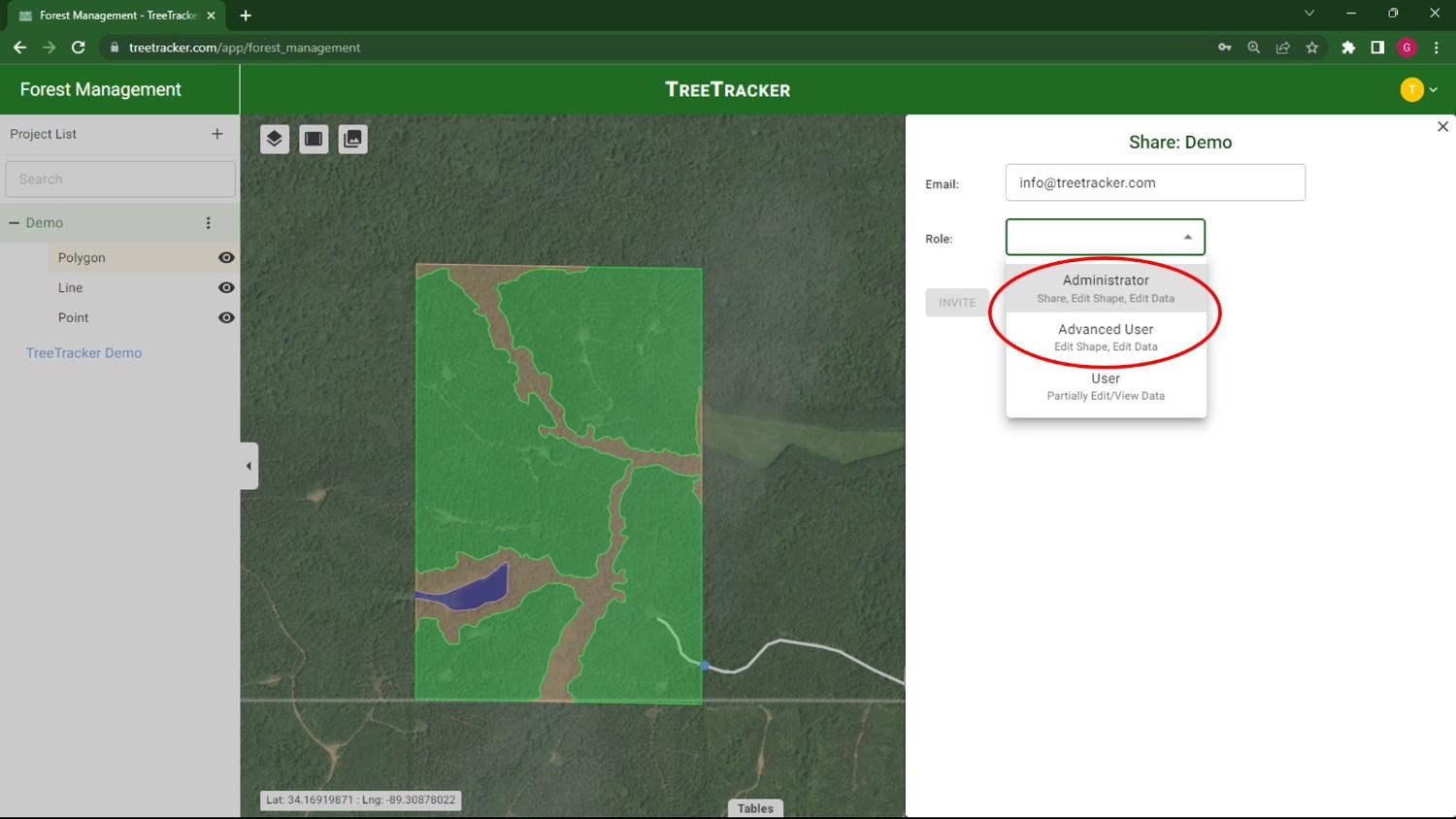
Administrator & Advanced User
The Administrator role will allow the user to share, edit shapes, and edit data. This option will share the entire project shapes and data. Shared user will be able to do everything the project owner can do except delete the project.
The Advanced User role will allow for shape edits and data edits. This option will share the entire project shapes and data. This option will share the entire project shapes and data. The shared user will not be allowed to: Share or Upload Shapefiles.
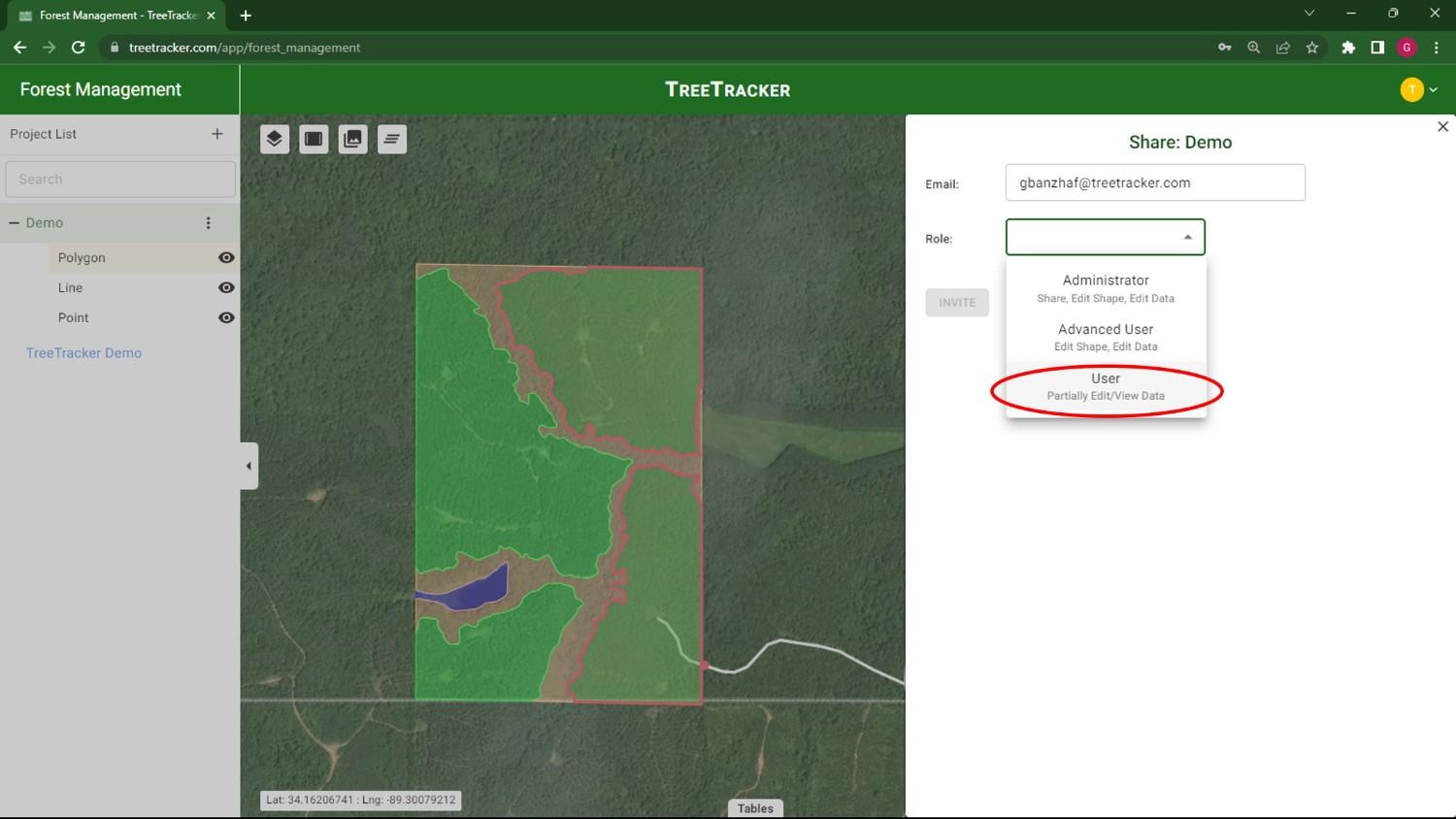
User
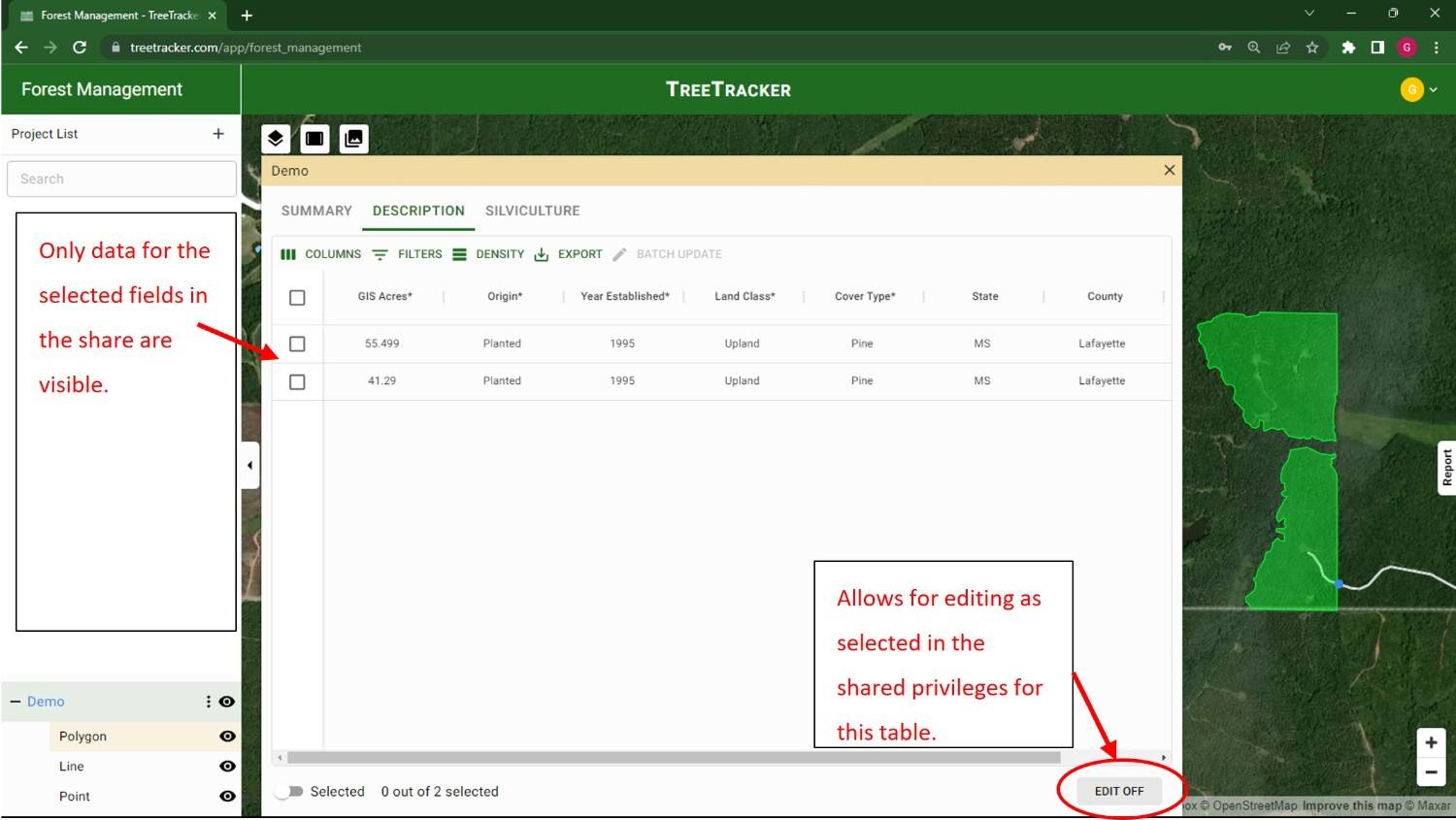
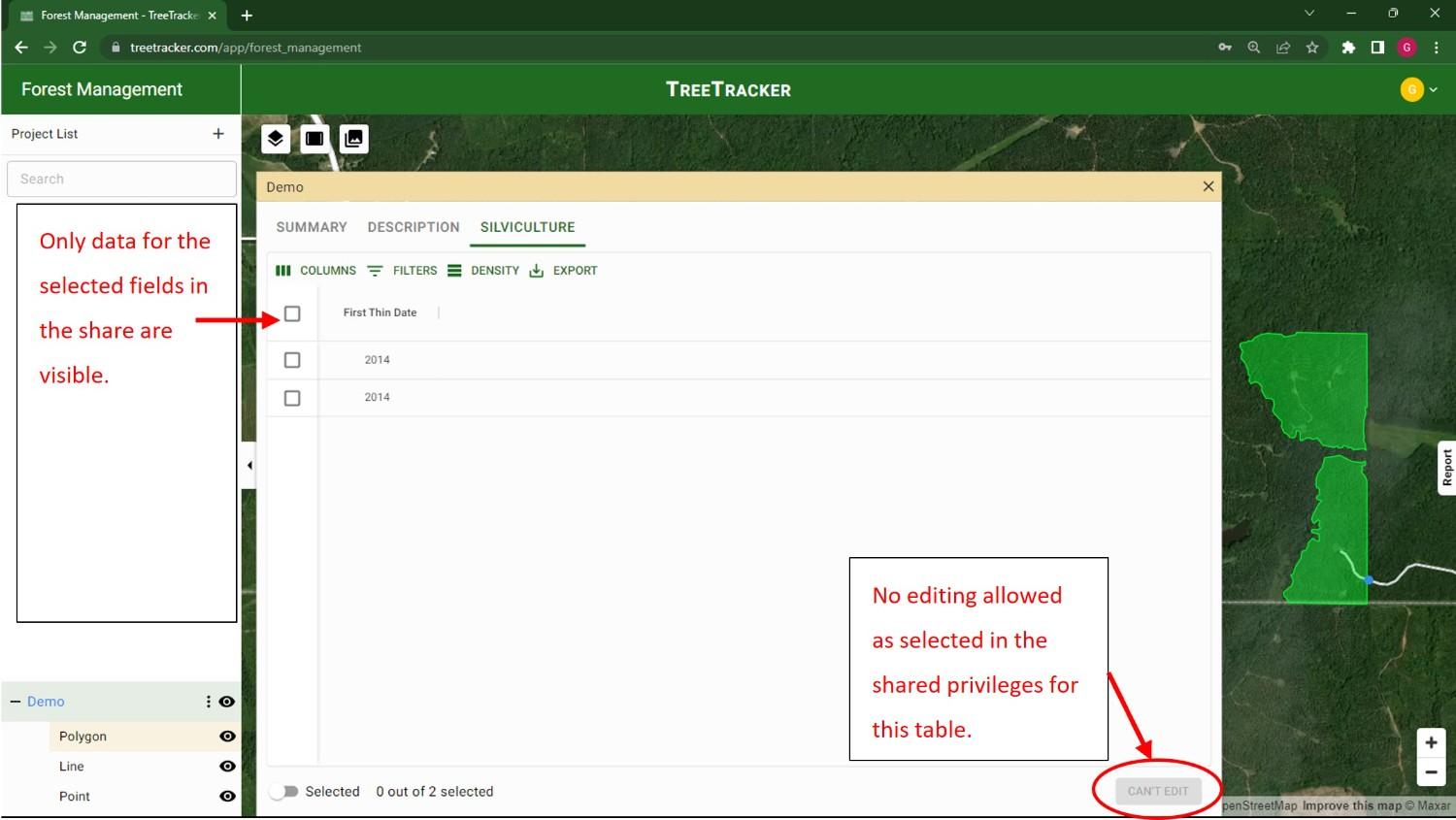
The User role will restrict permissions to only selected shapes and data to either allow for edits or view only. If the User role is selected, a new window will appear allowing the administrator to select which data elements the invited user will have permission to update.
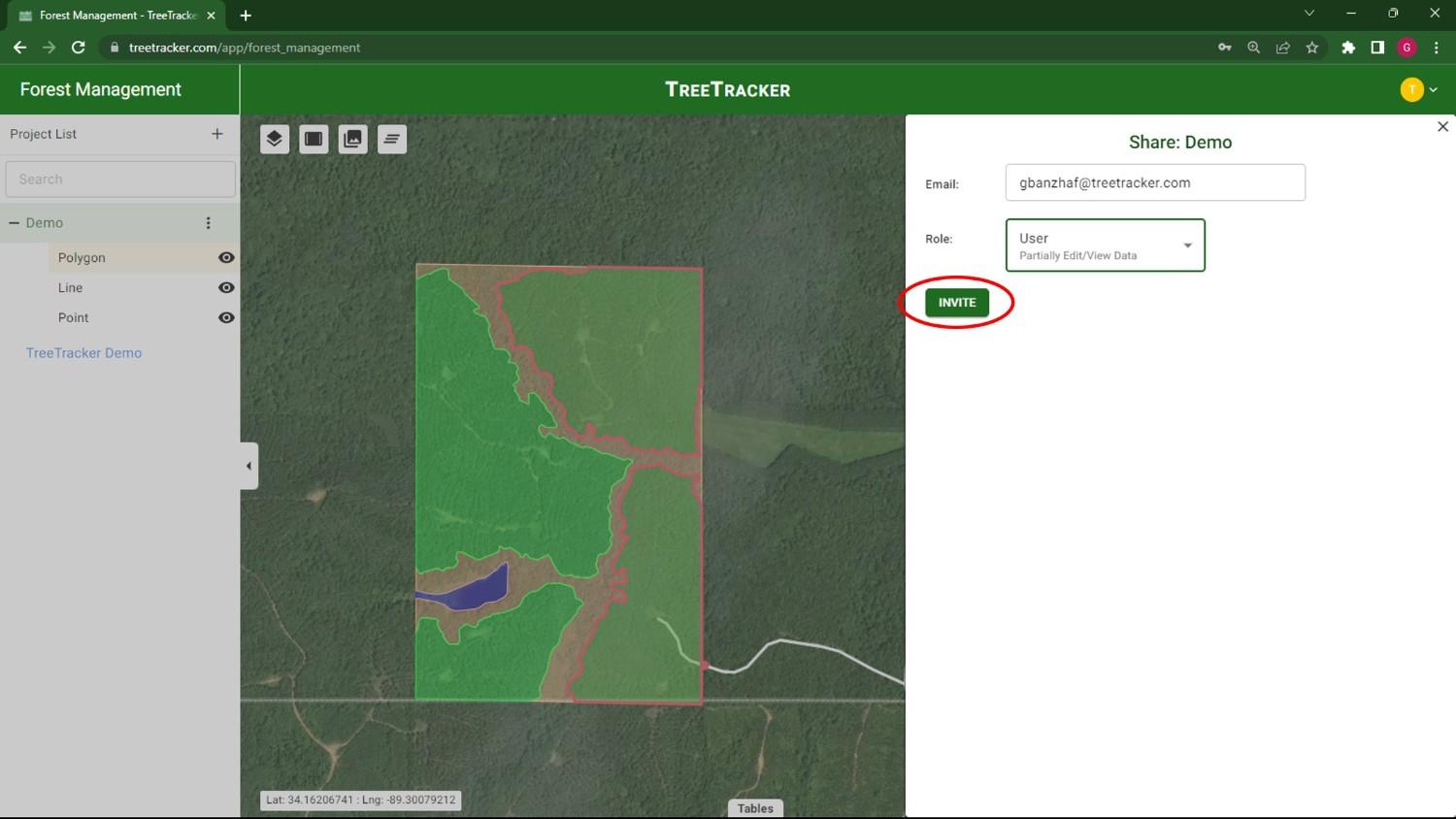
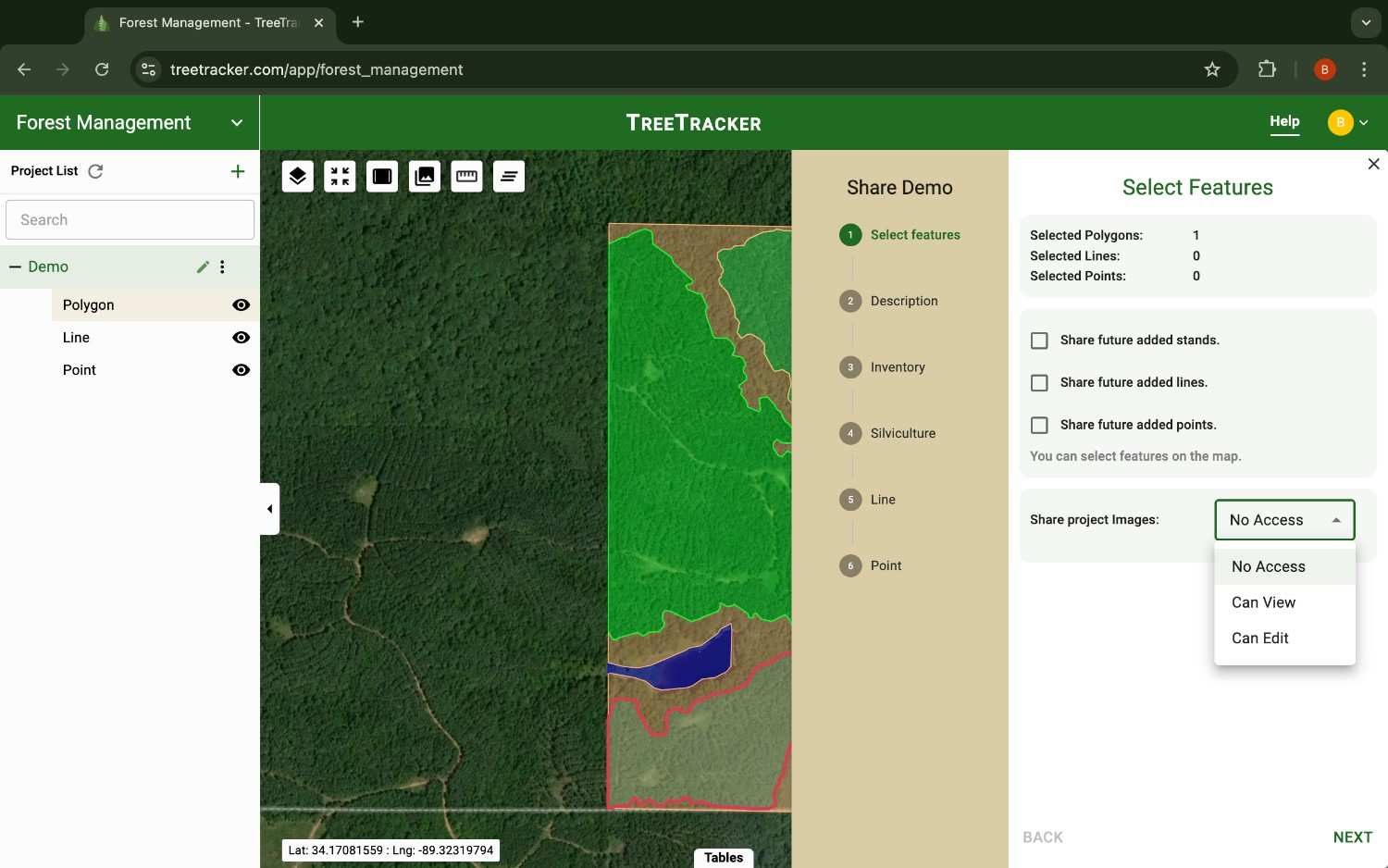
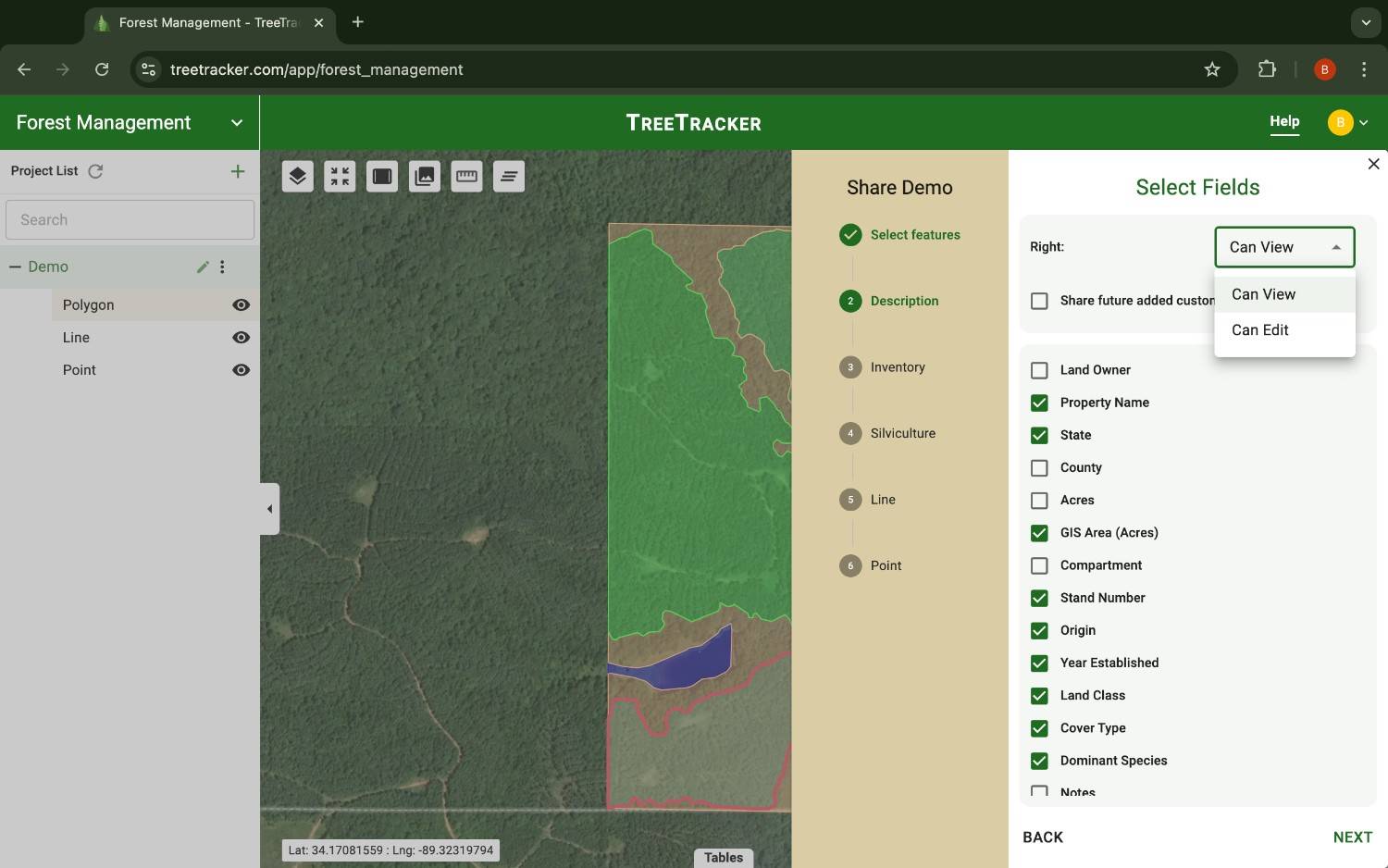
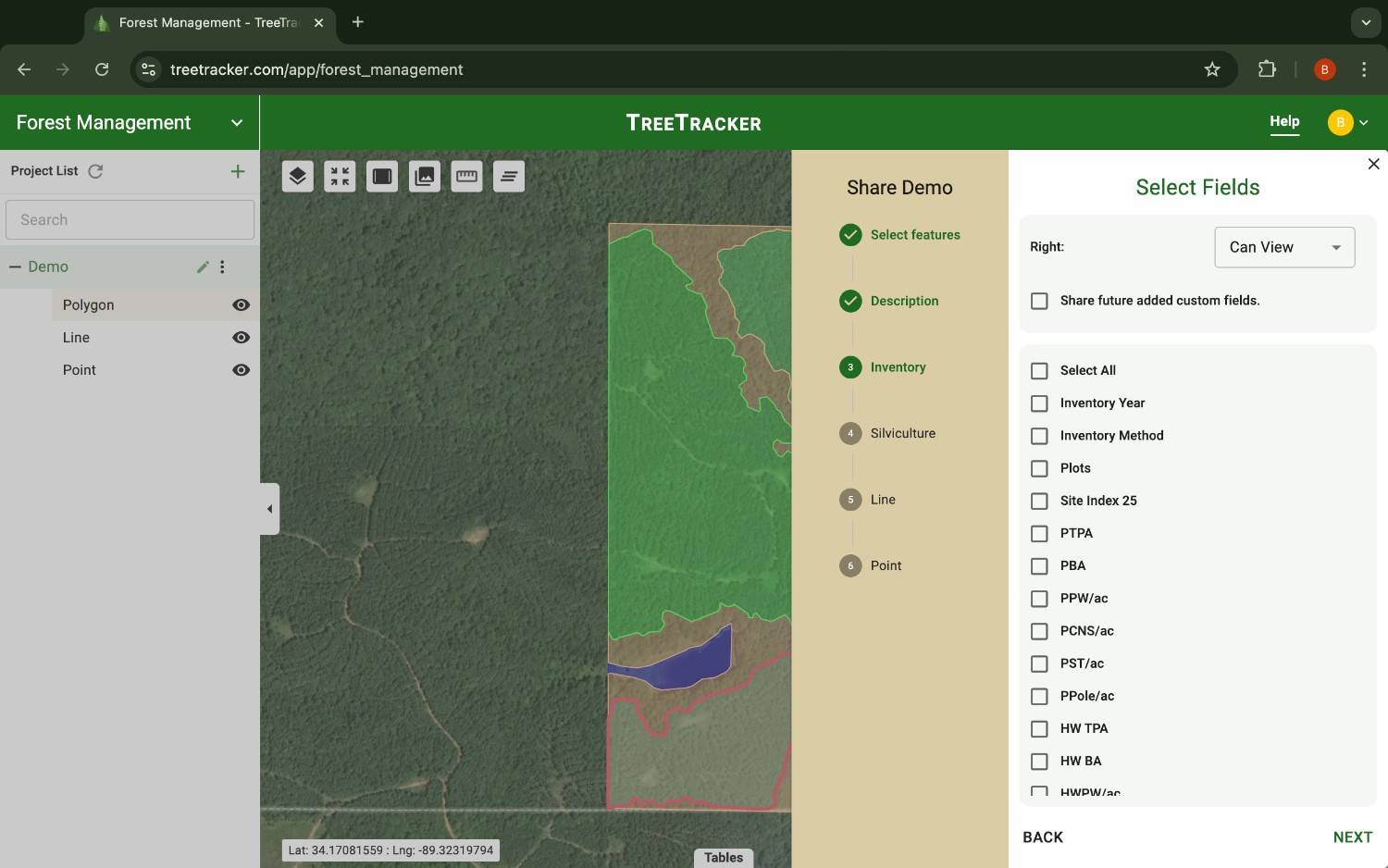
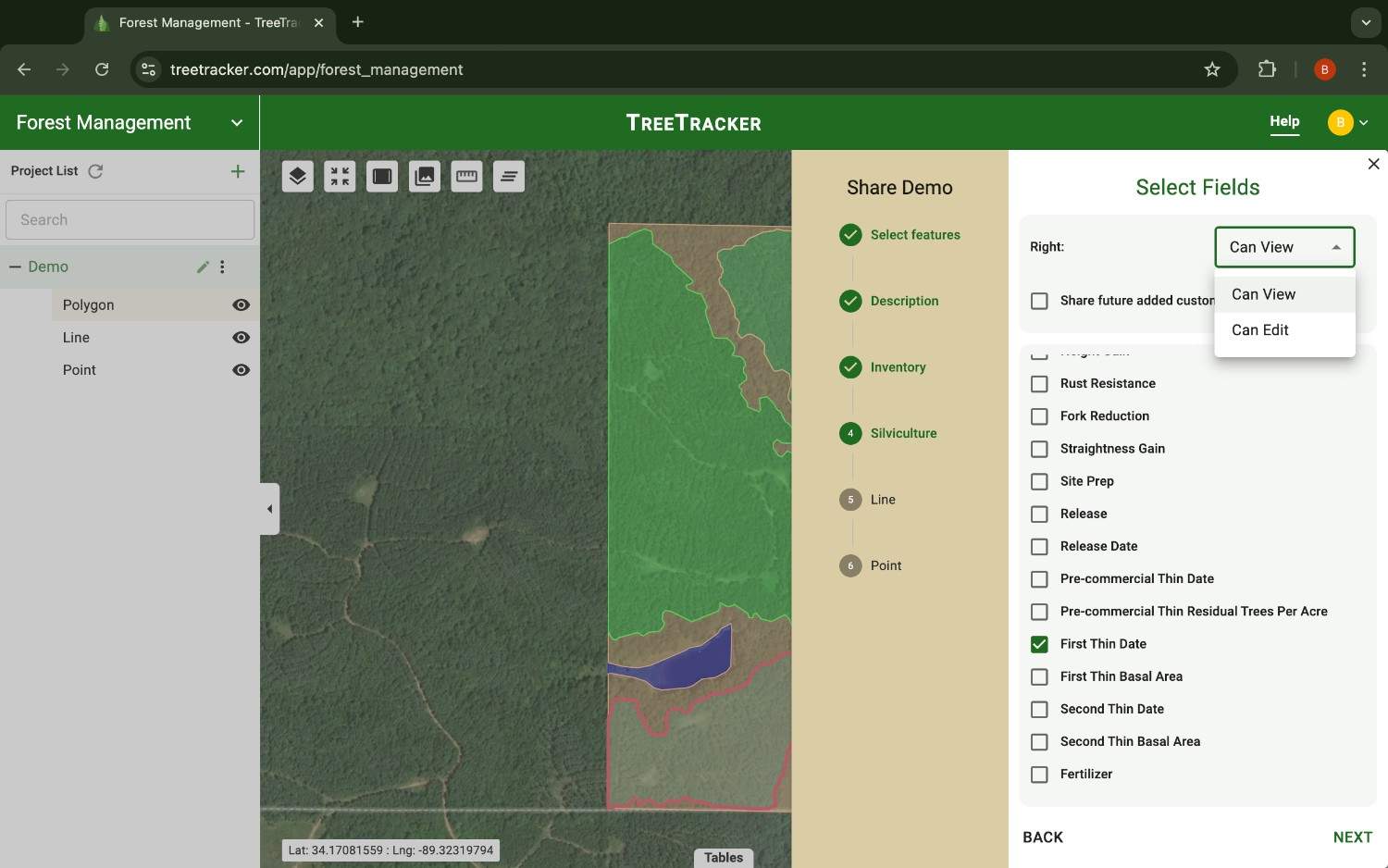
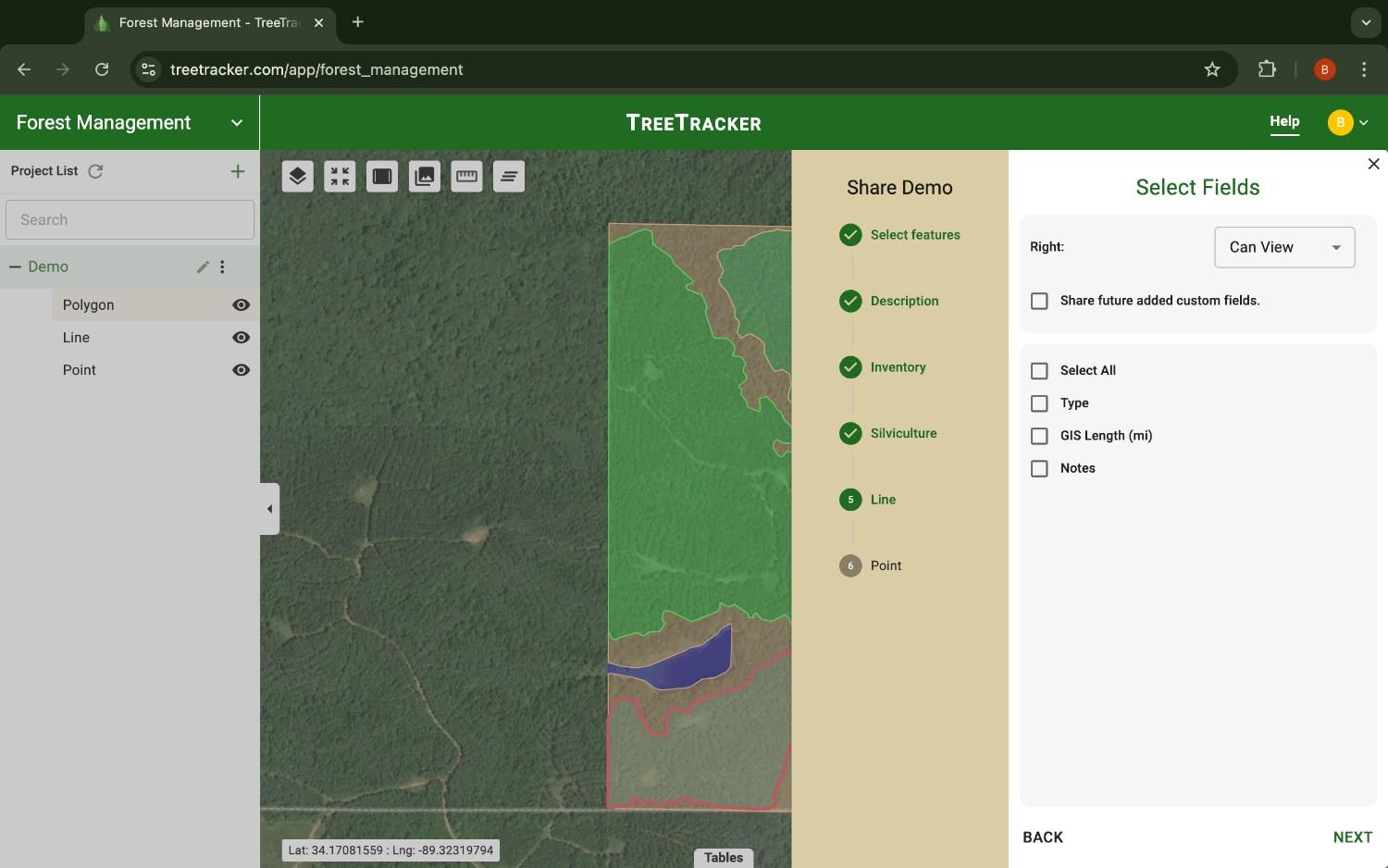
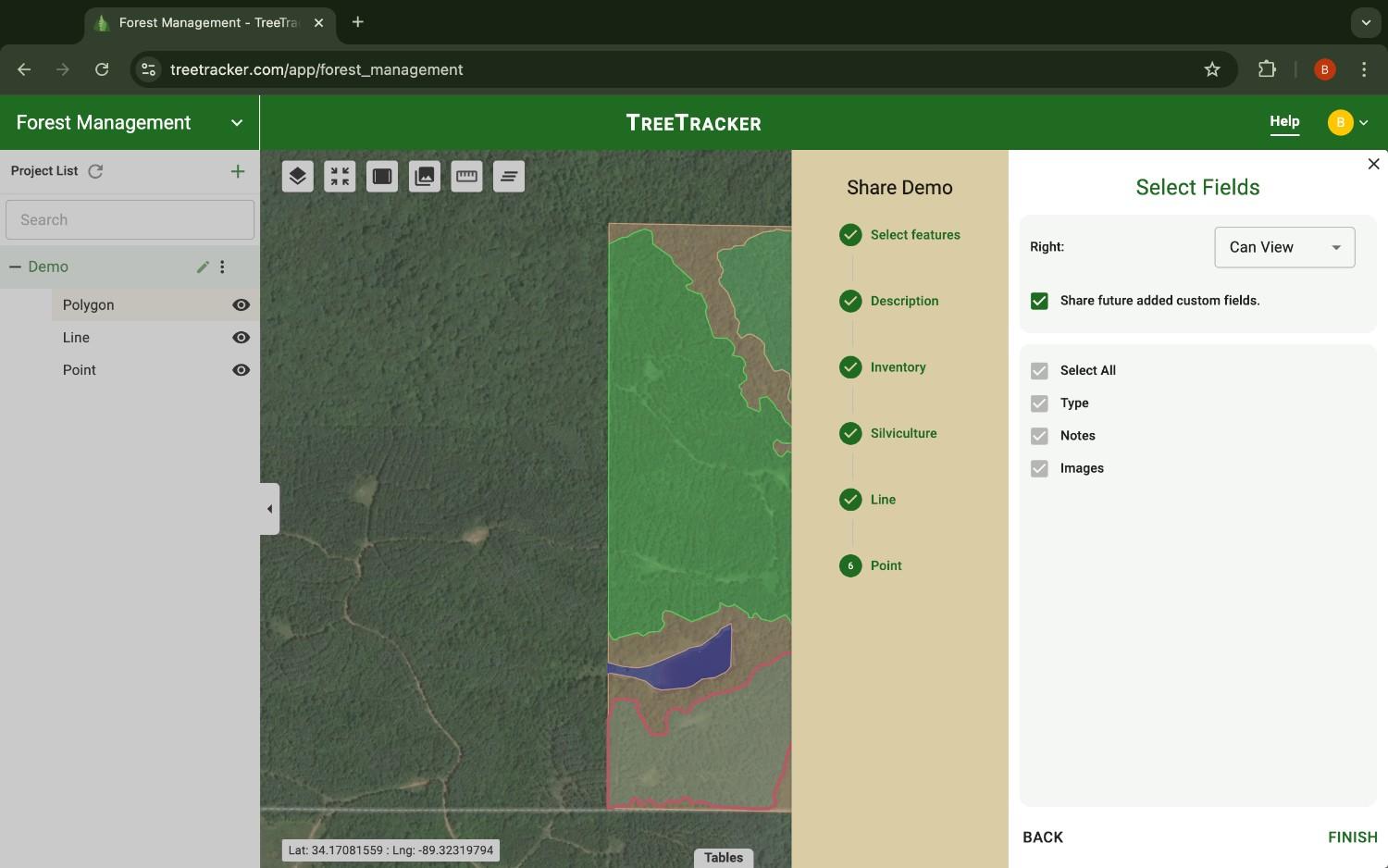
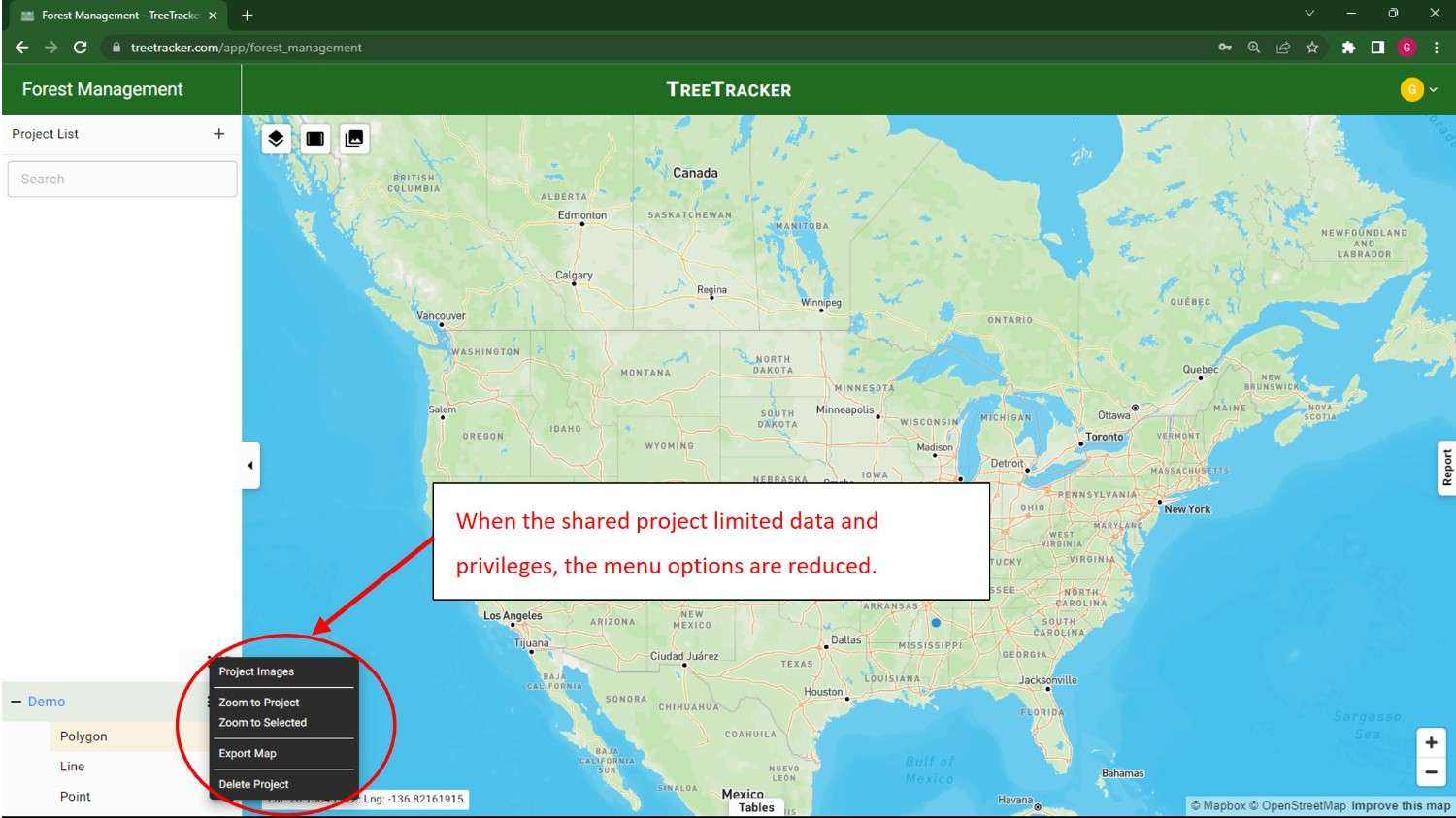
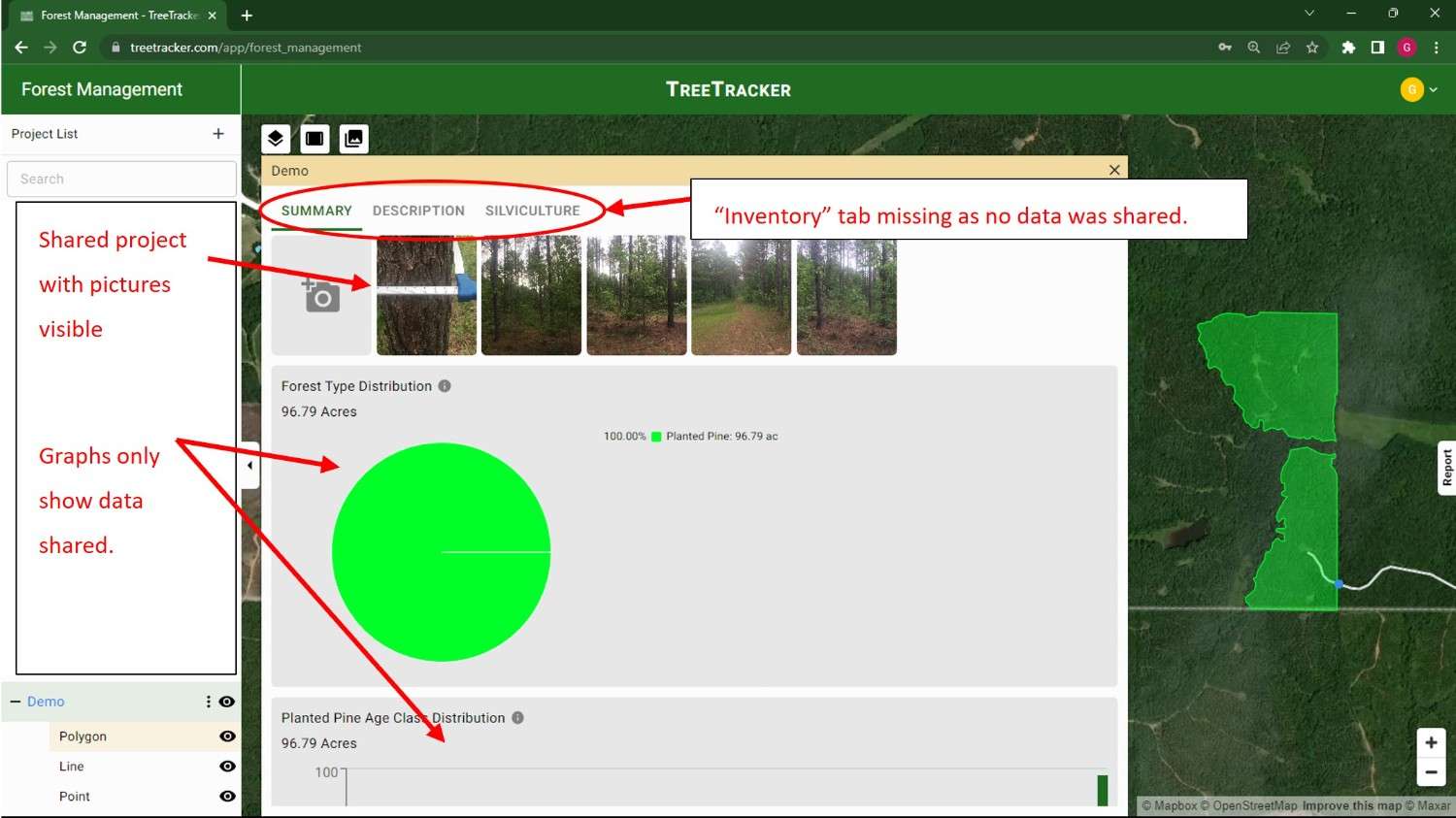
The example below of the shared user will have shapes and data available to them given the above example share settings. This example shows both view only, and edit ability in different tables of the polygon.