Editing Tabular Data
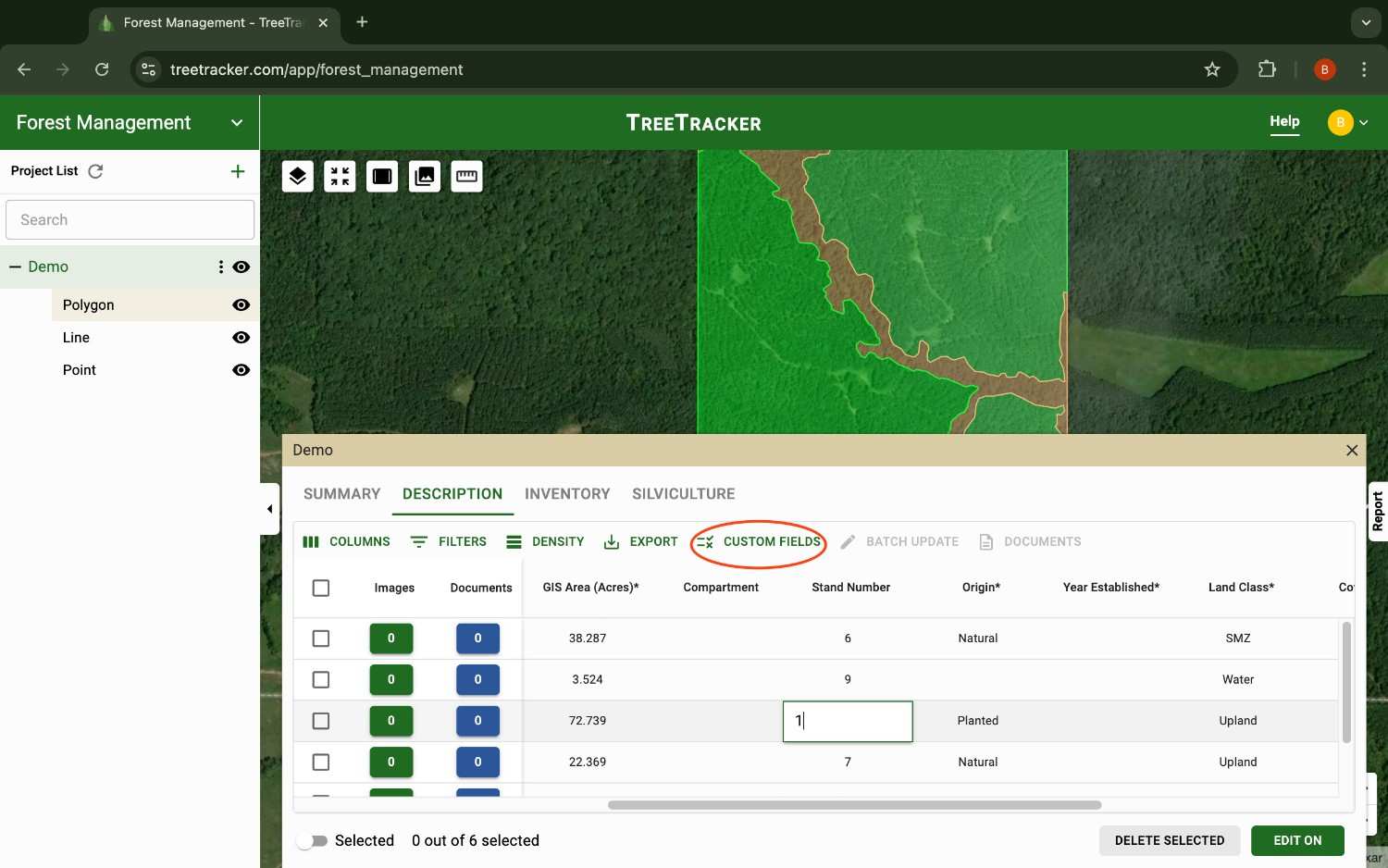
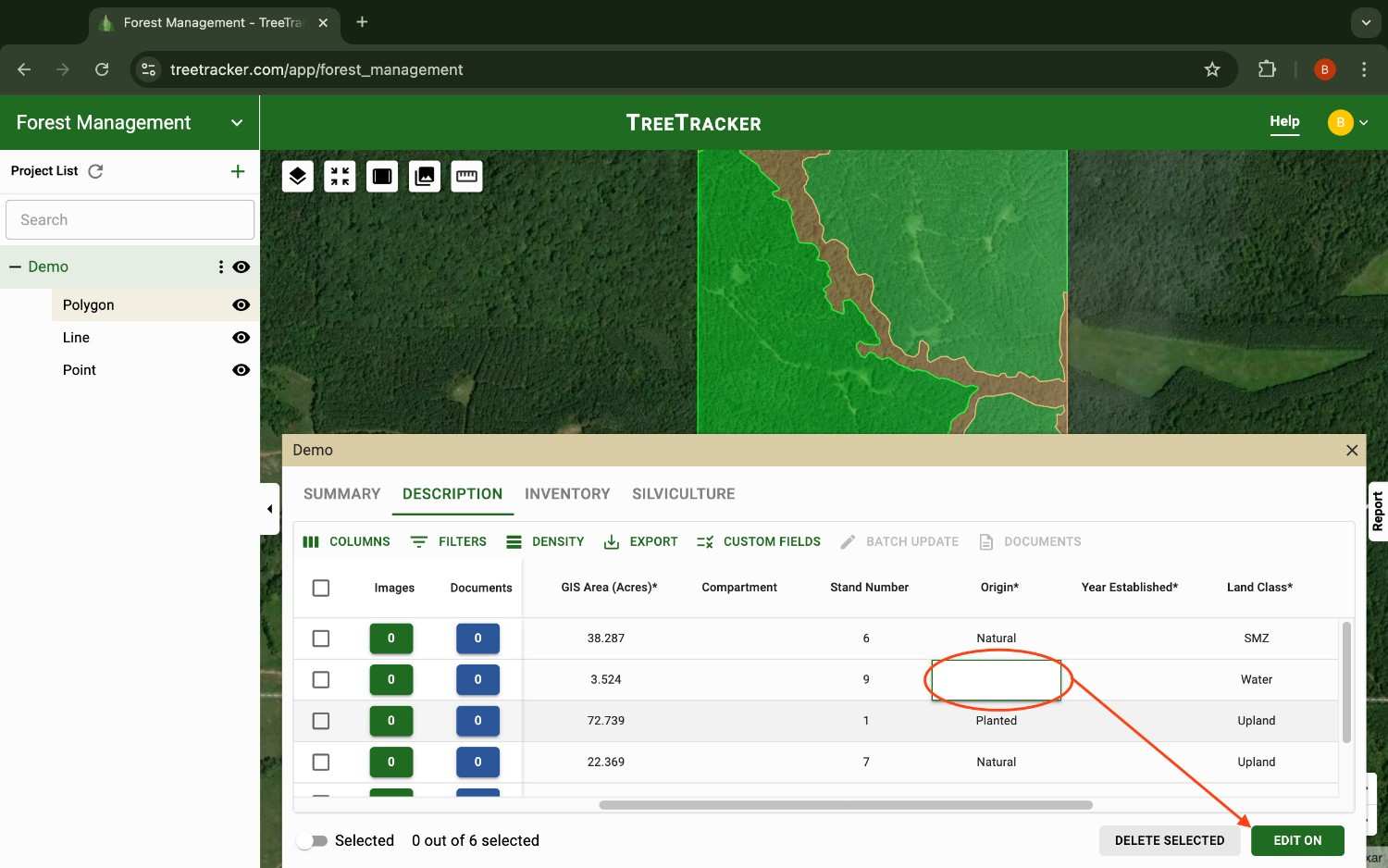
Click thebutton in the lower right corner then select the desired polygon by double clicking to change the fields on the table for each polygon.
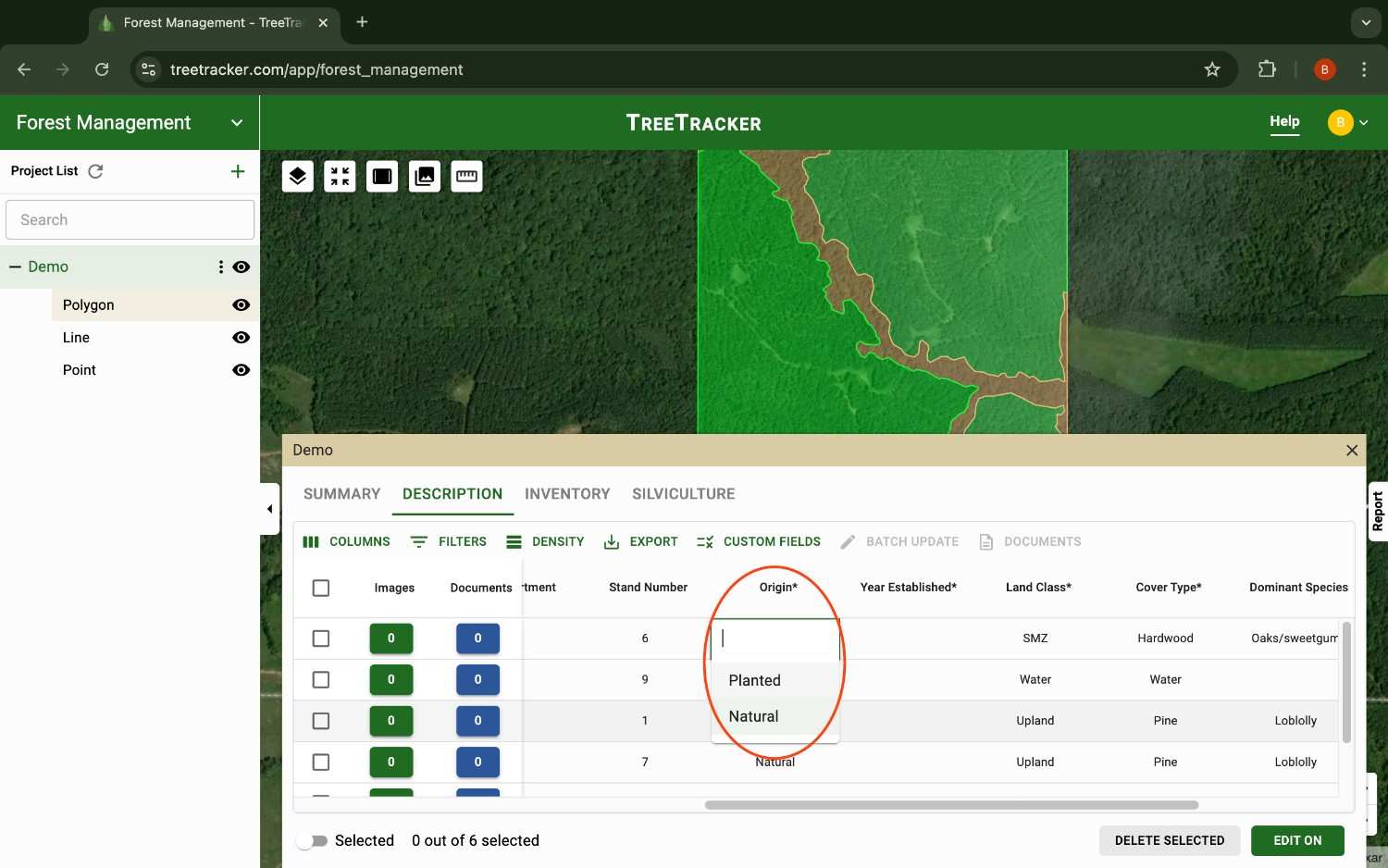
Some fields have dropdown selection data you can choice from. Using these will tie data directly to reports and graphs. Fields with dropdown selections are located in the “Description” table and include: “Origin”, Land Class”, and Cover Type”. You can also store your own data in these fields if the dropdown list does not have an option you are looking to use.
Using the dropdown selections of “Origin” and “Cover Type” will auto color the polygons based on the data selected. Using your own data will keep the polygons a purple color.
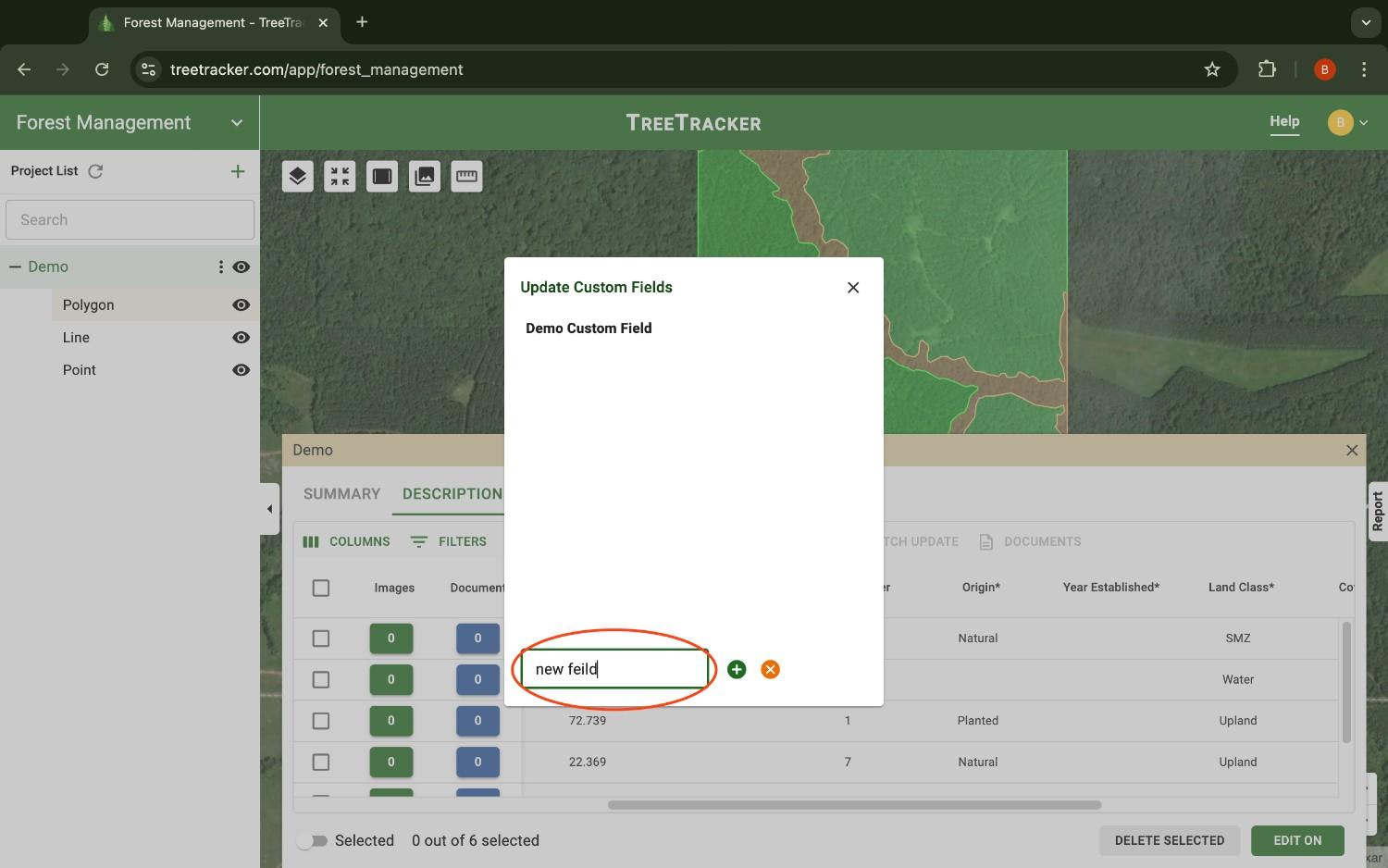
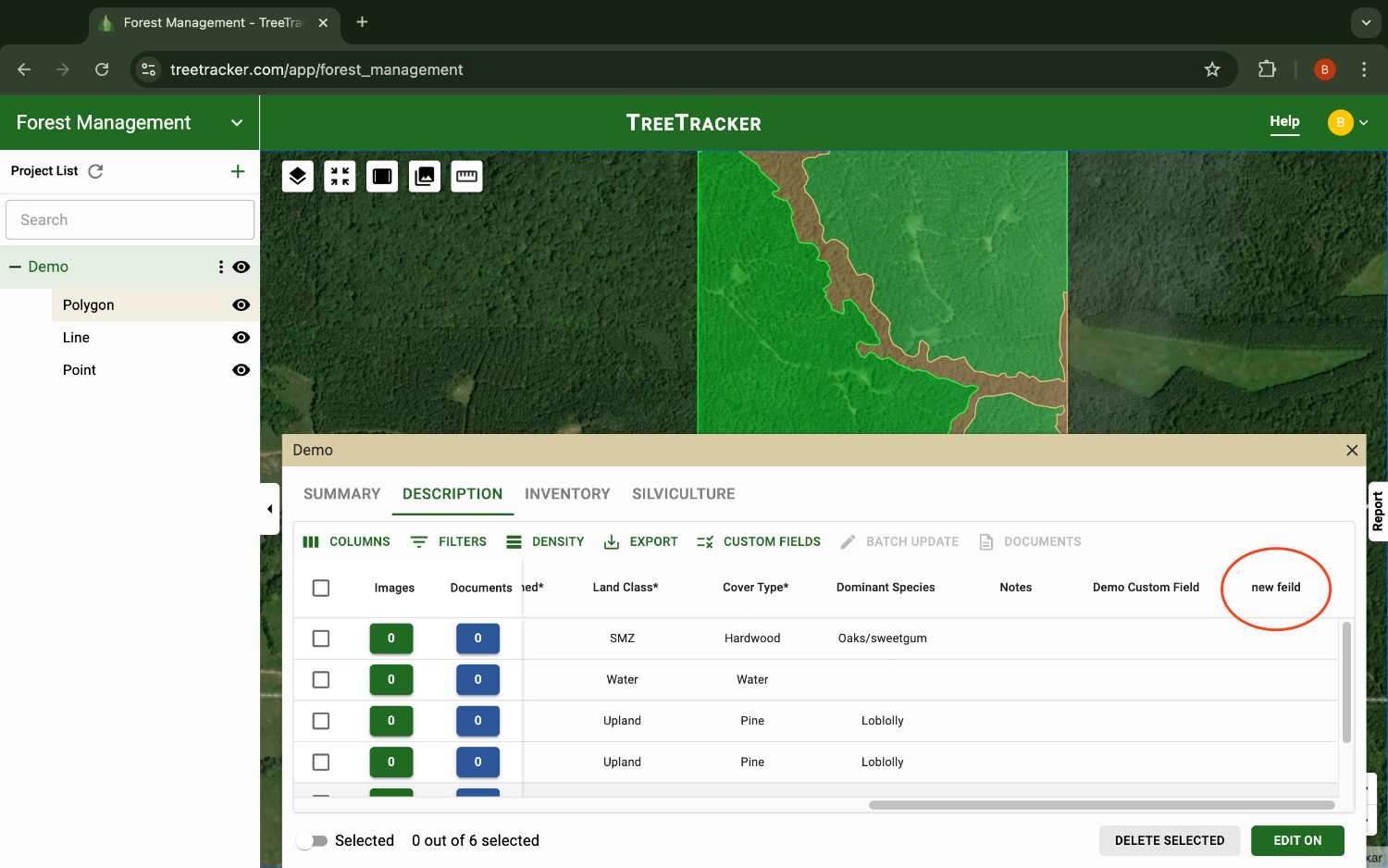
Clicking thebutton from the menu bar will allow new custom fields to be added to the data table as needed.
After a field has been added data can be entered into the table as with the default fields.
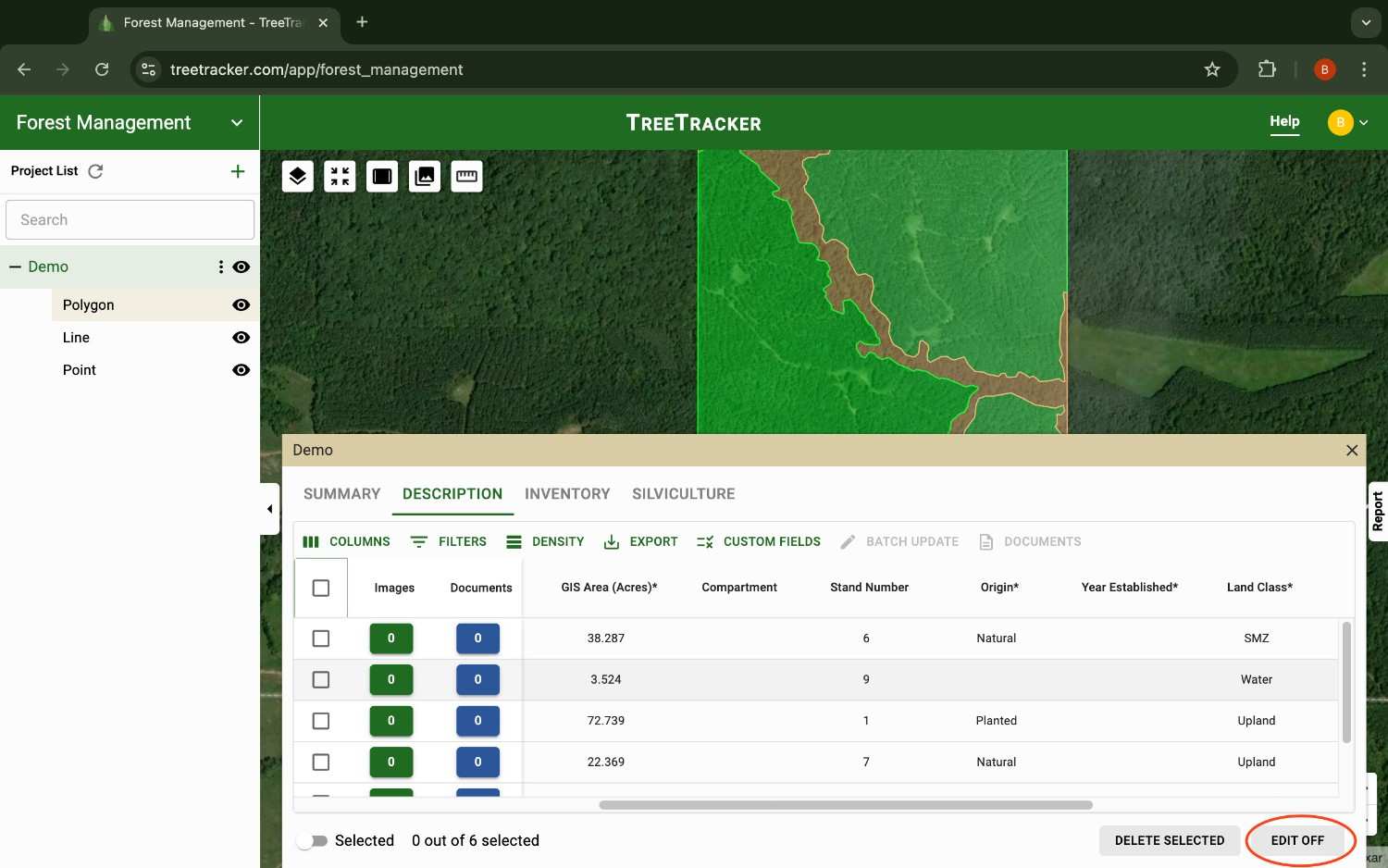
Click thebutton in the lower right corner again to disable editing.