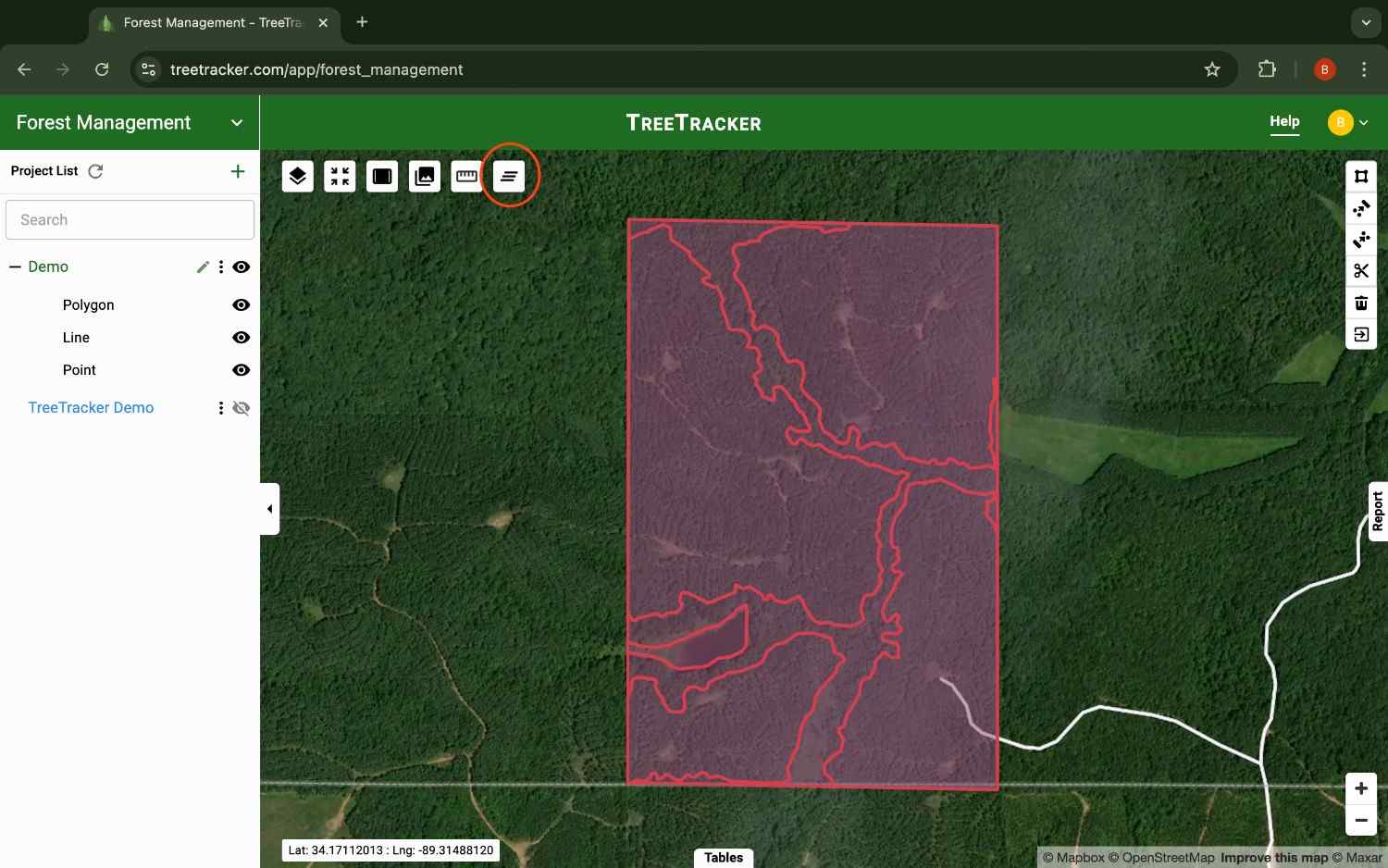
Unselect
Unselect One
To unselect in the shapes map you simply hover the curser over the shape and left click the mouse. The shape will remove the red highlight to identify that it is no longer selected
Unselect All
To unselect all the shapes, you can hover the curser over the unselect all button located in the top left corner of the map. Using the left mouse button, you can unselect all shapes all projects at once.