Multiple select in Map
Box Selection
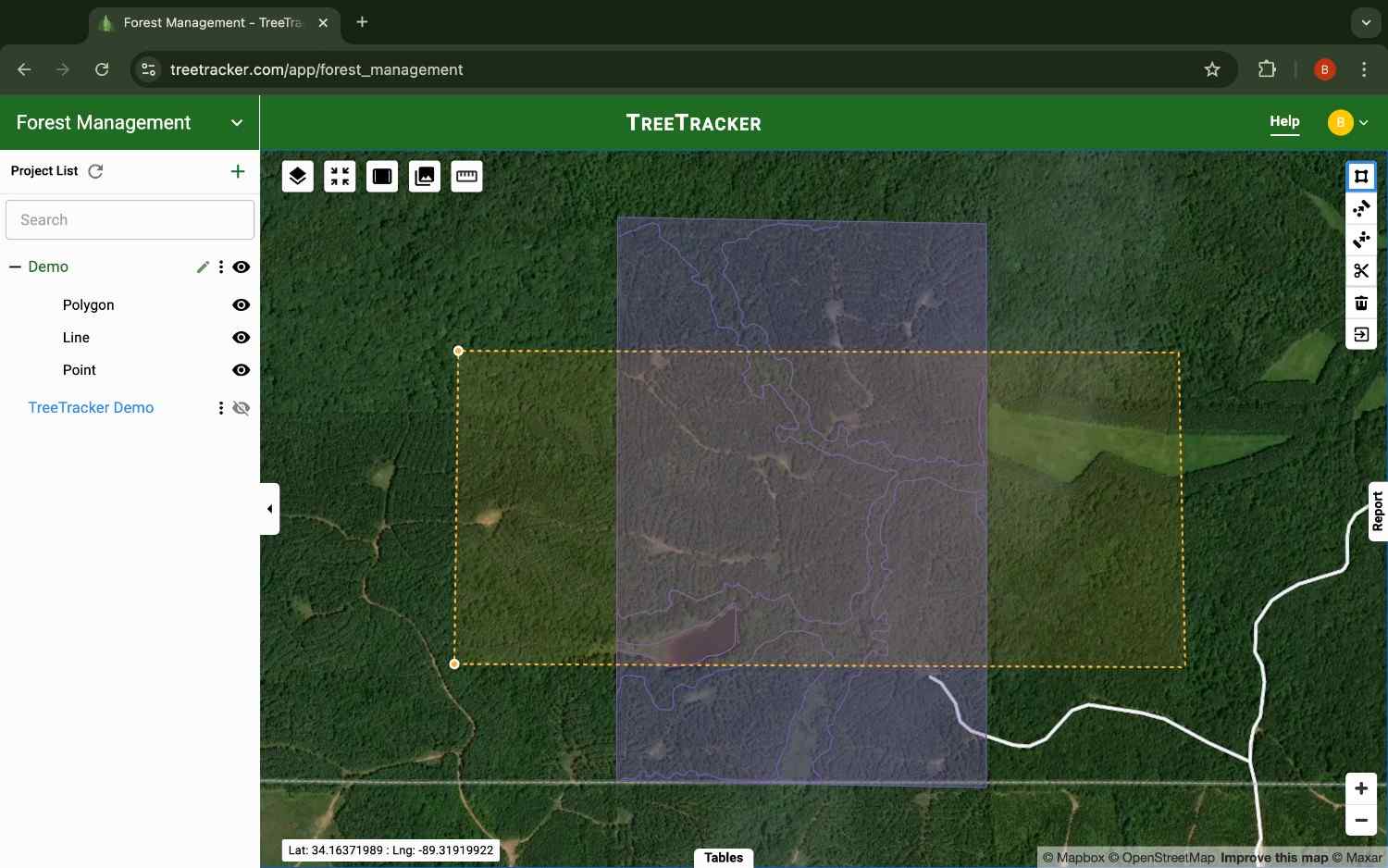
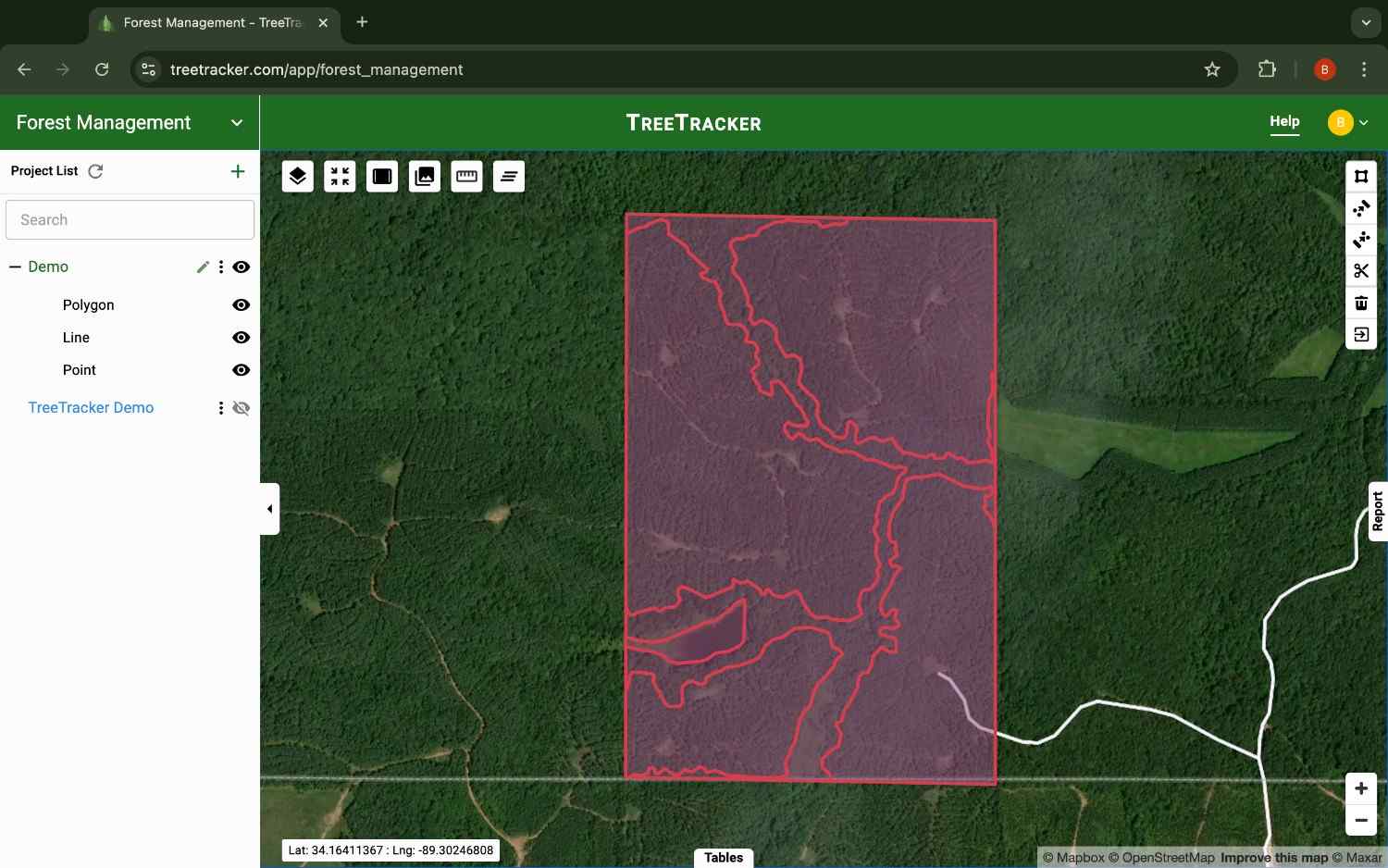
To select multiple shapes, you can draw a selection box.
- Hold down the shift key, click the left mouse button
- Move the mouse pointer to cover the desired shapes you wish to select
- Finish the selection box by clicking the left mouse button a second time