Project-Level Tabular Data
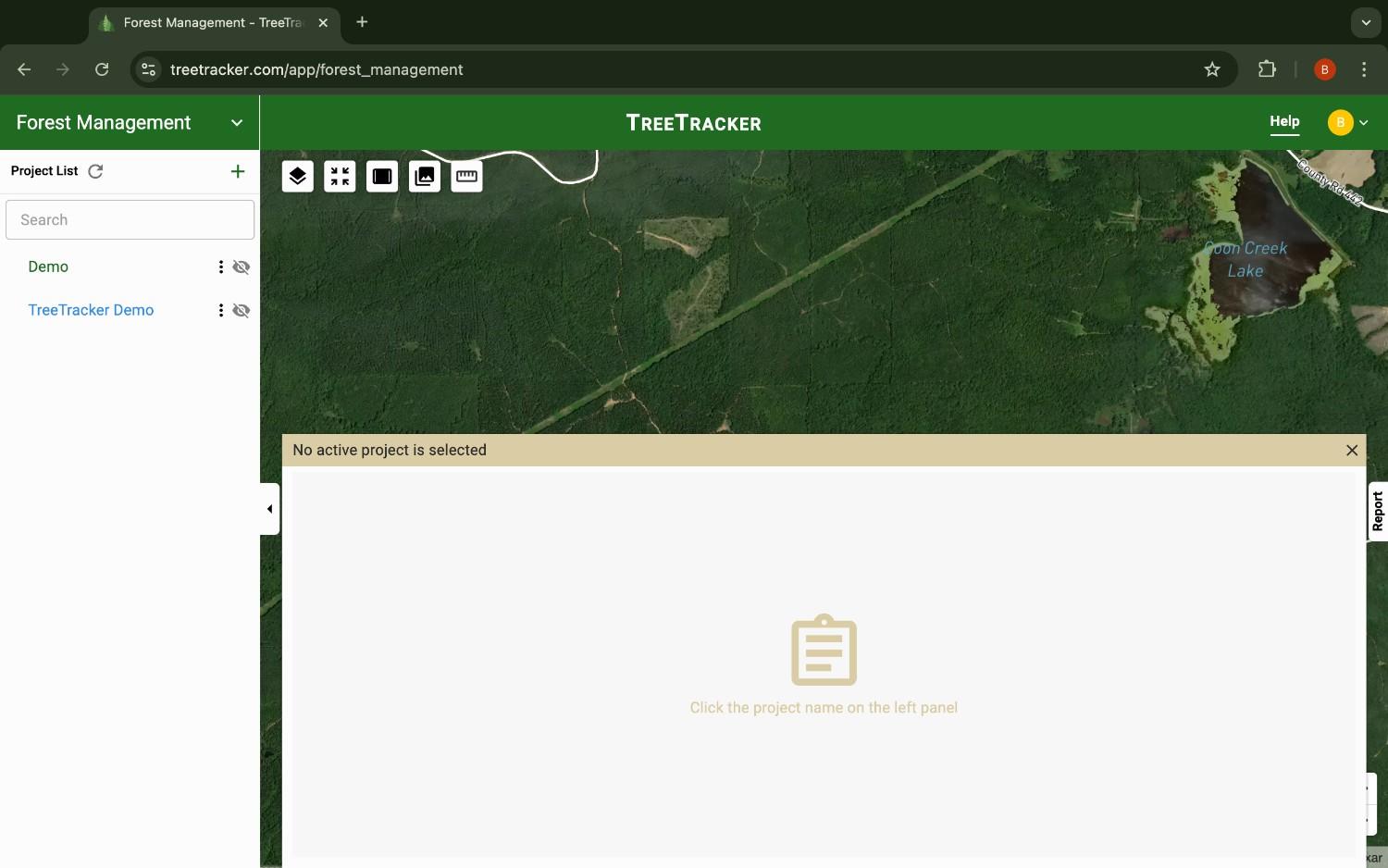
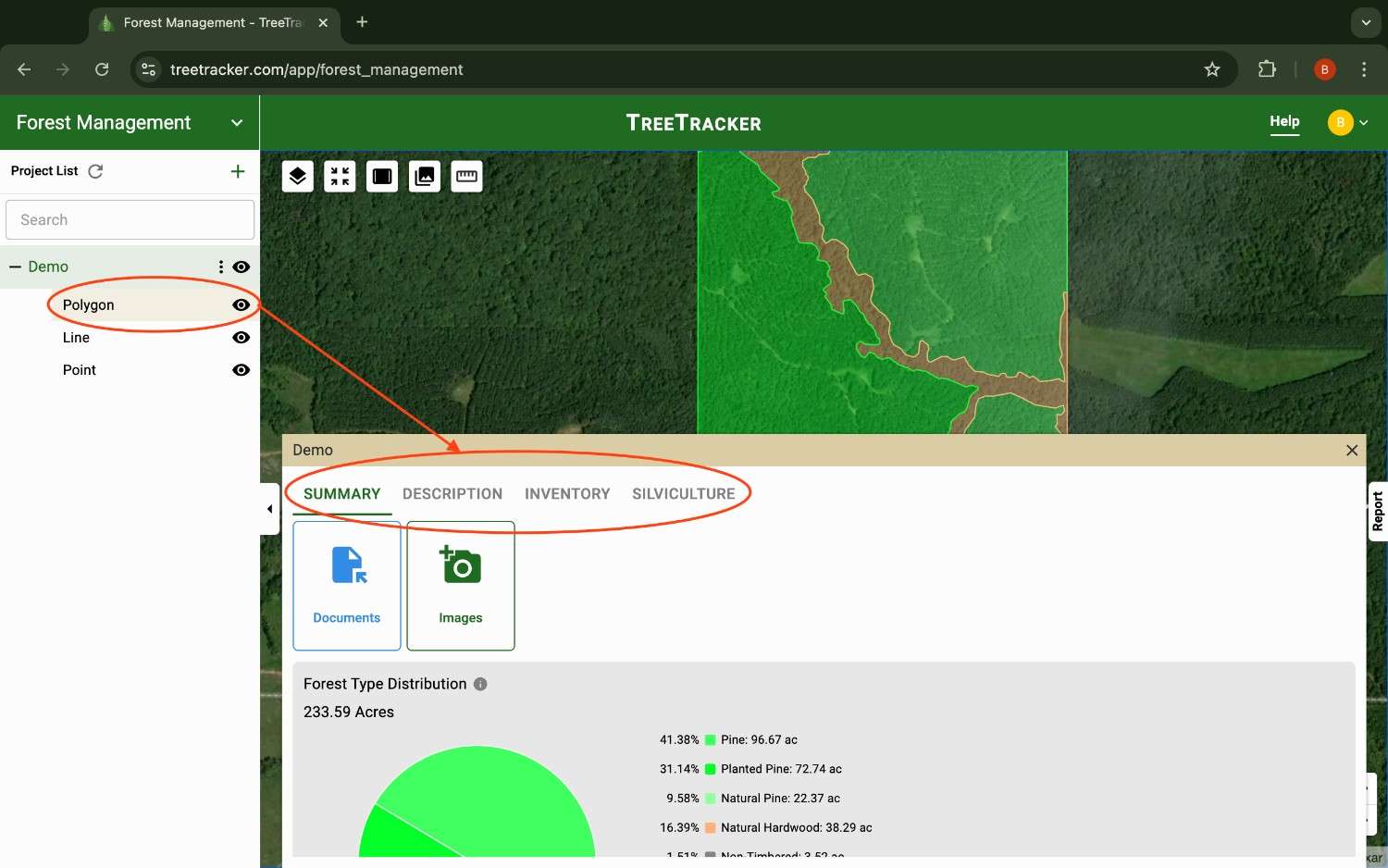
Navigate to your project using the menu on the left of the screen and click on the desired project’s name. The desired project data will become active by either opening the Show/Hide Icon , or highlighting the desired project name.
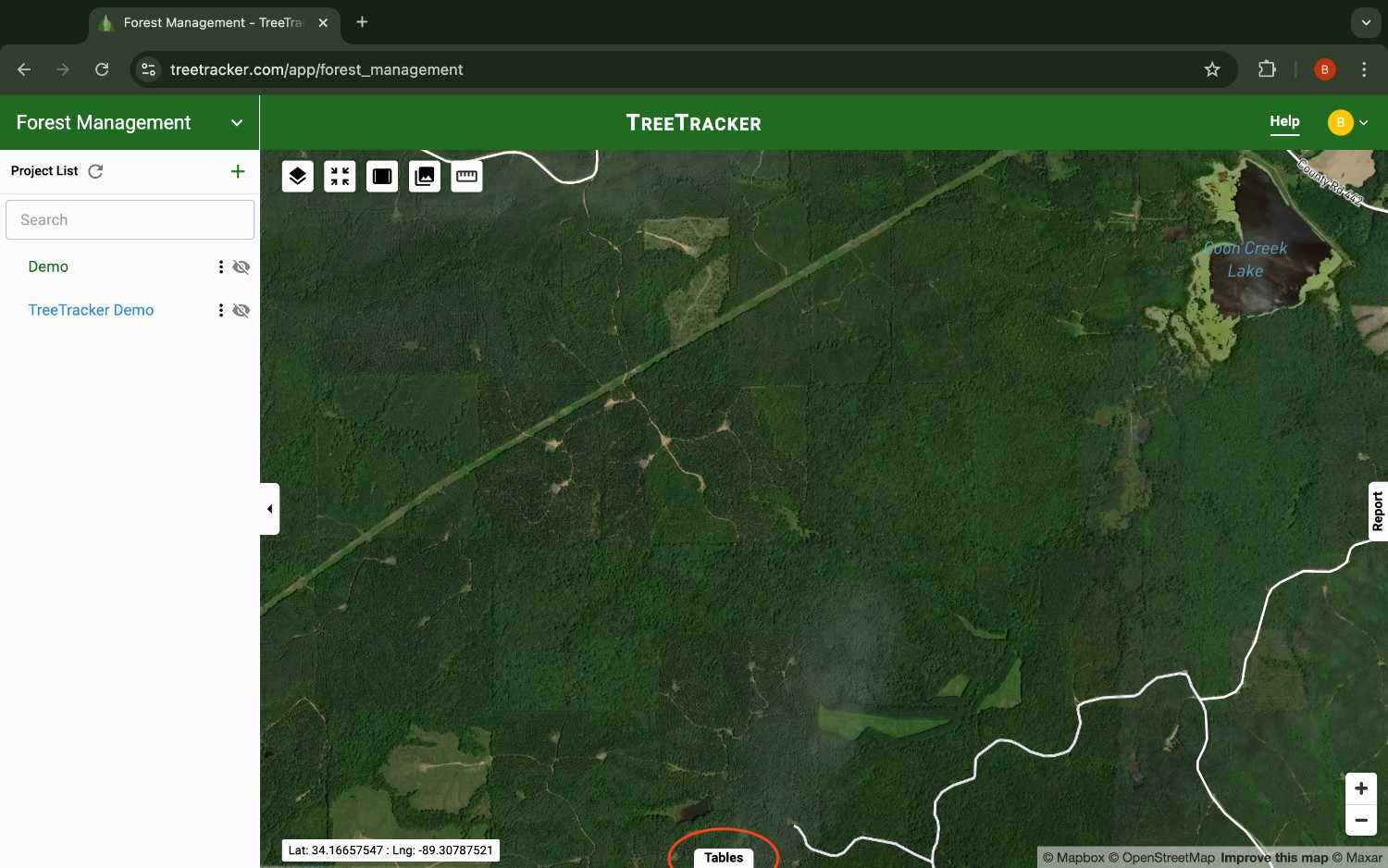
ClickTablesat the bottom of the page to show the Tables Pane with data tables for the project.
The Summary tab contains an overview of the project or selected polygons.
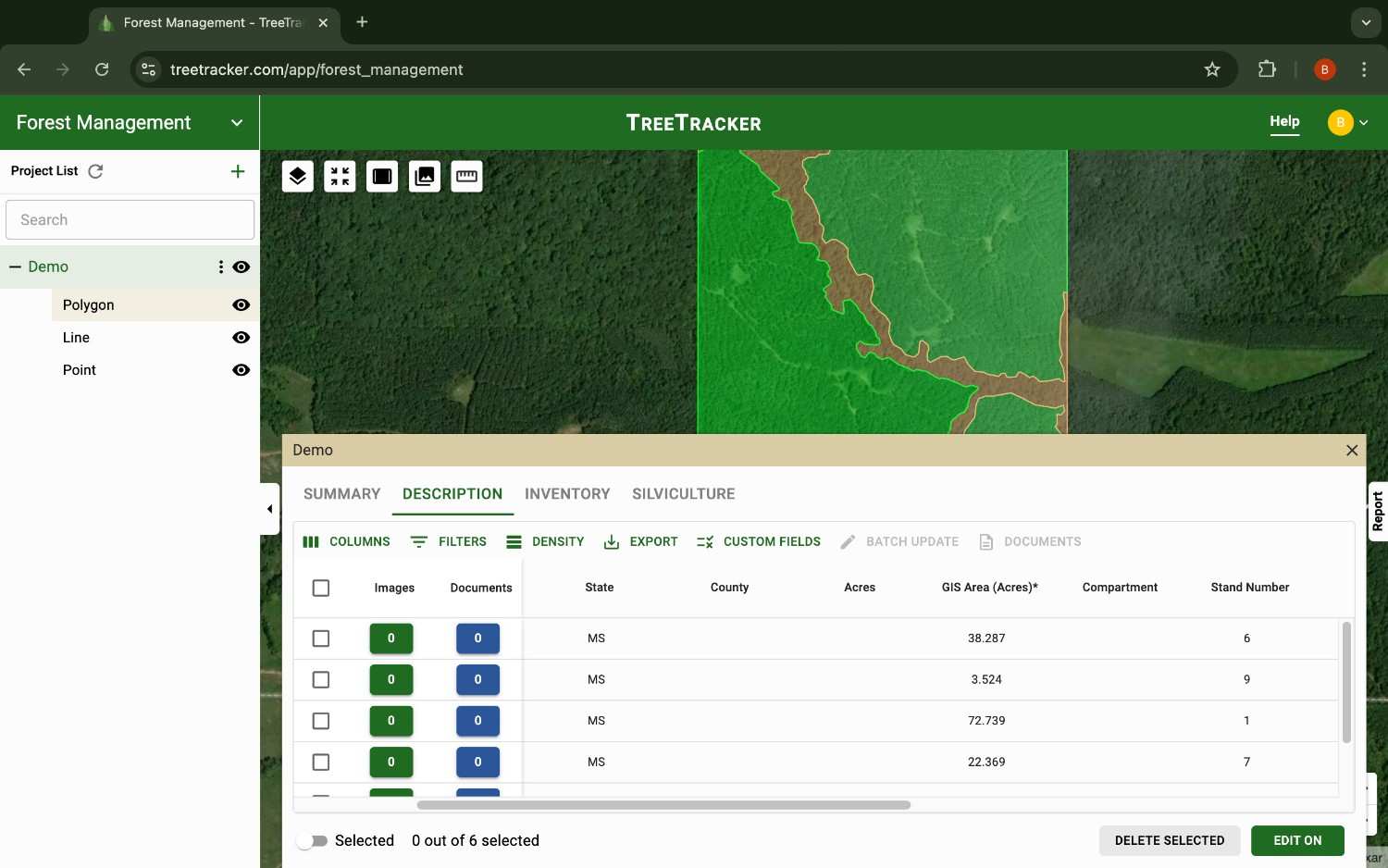
The Description, Inventory, and Silviculture tabs can be used for storing specific details about the polygons (stands of trees) on the map.
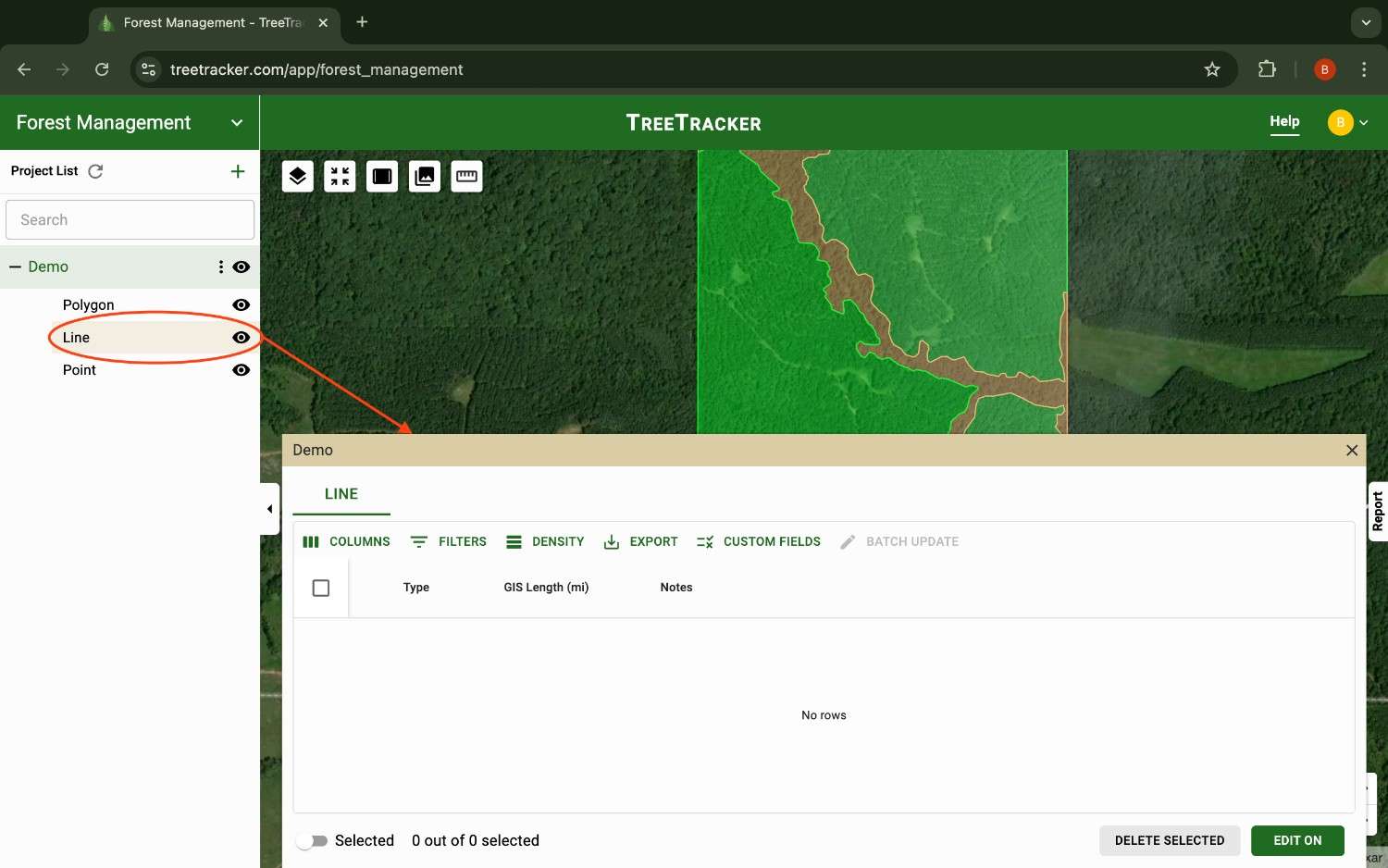
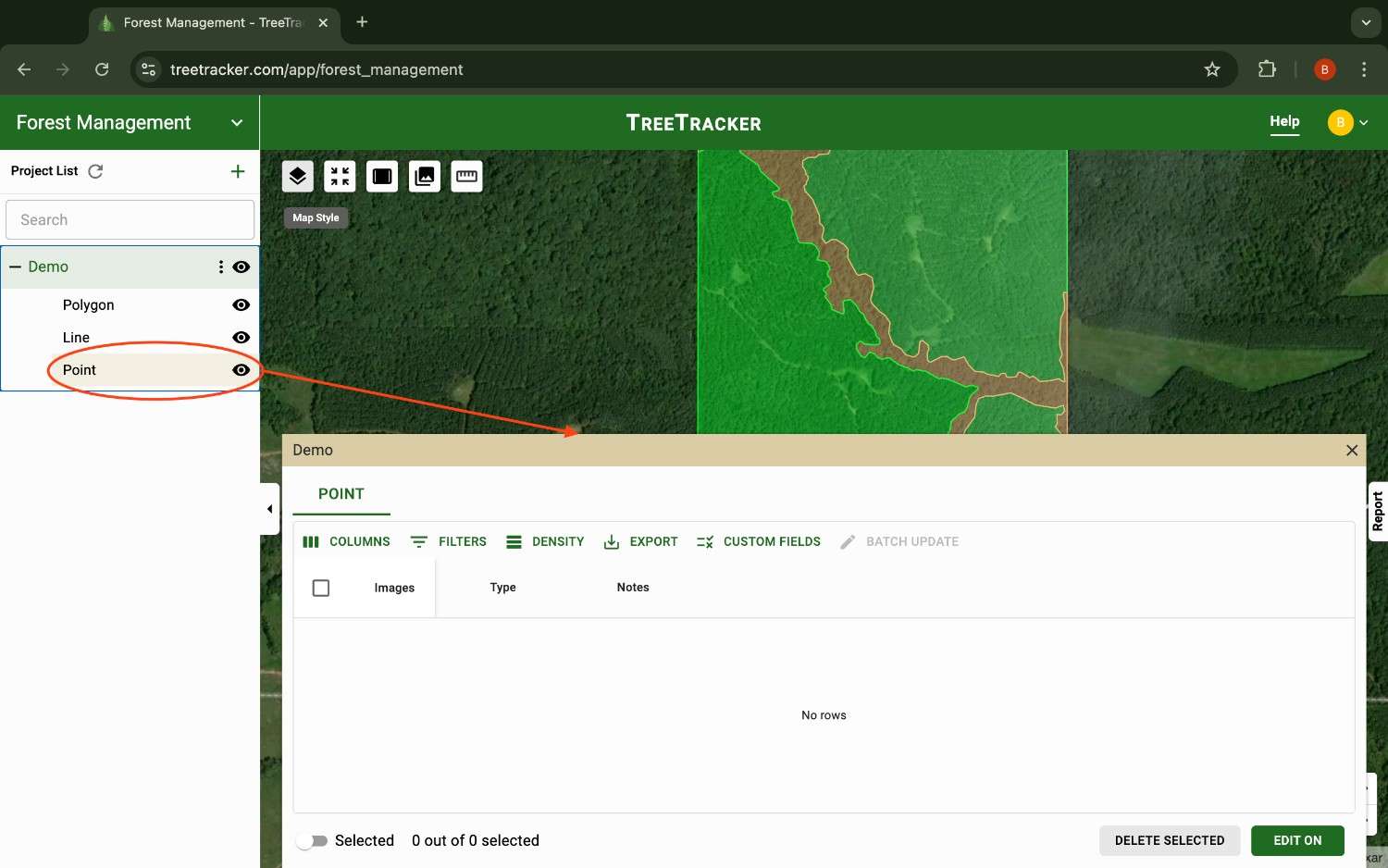
The Lines and Points also have tables you can store data in and can be accessed by highlighting the “Line” or “Point” label under the project name.